Is it a virtual keyboard?
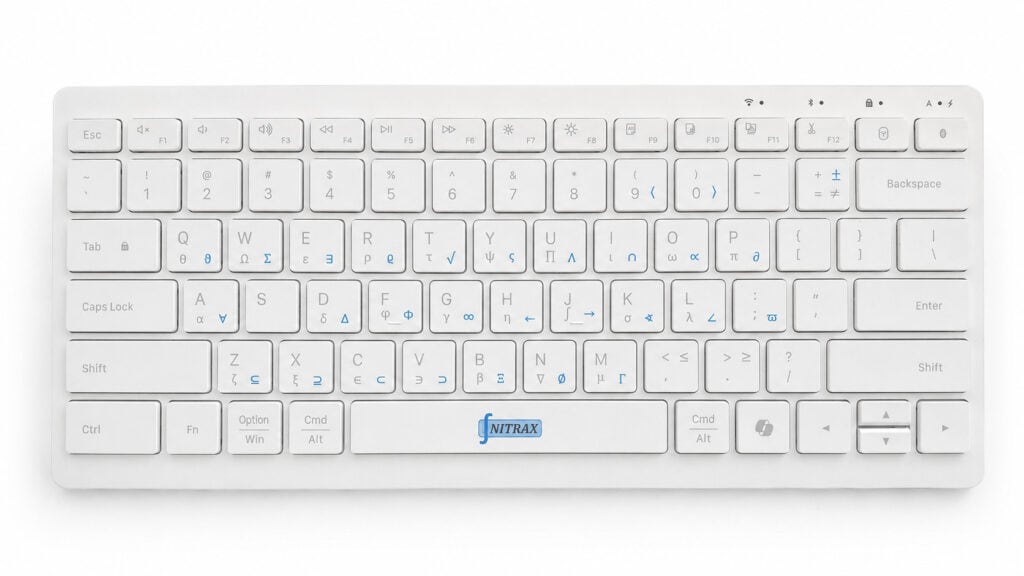
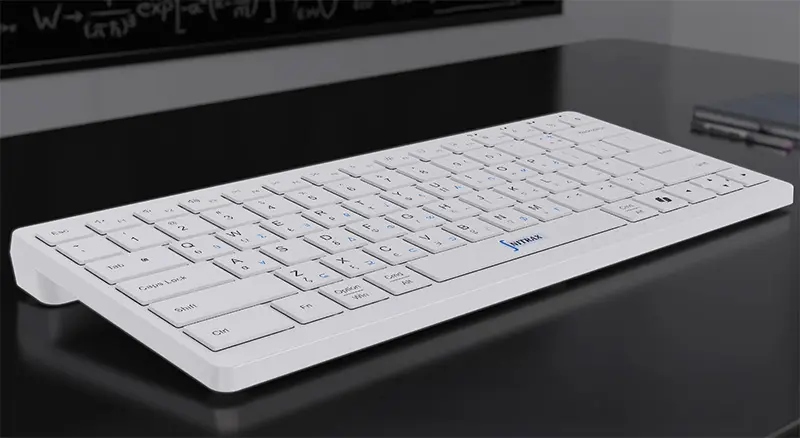
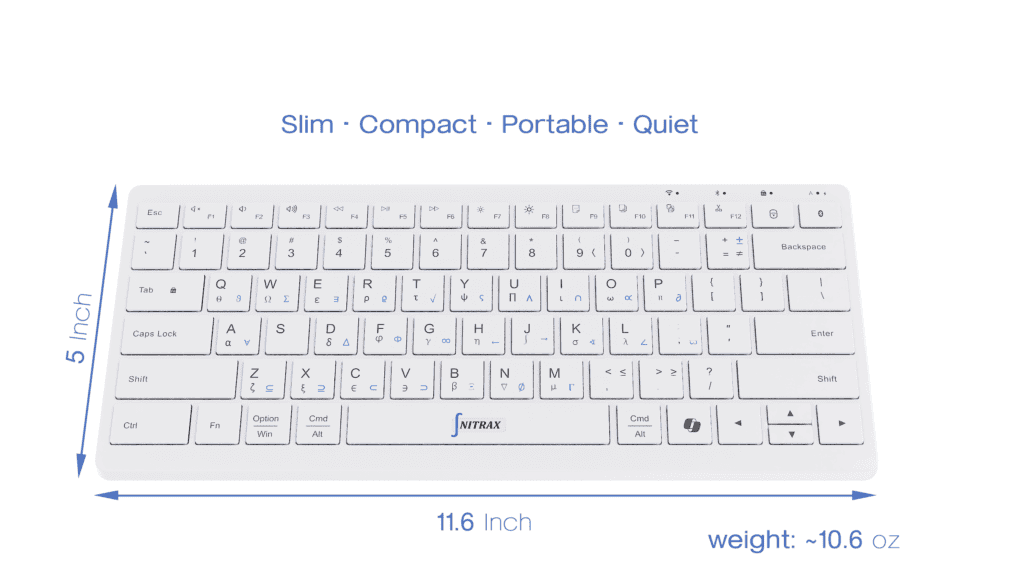
Nitrax Mathematical Keyboard is a
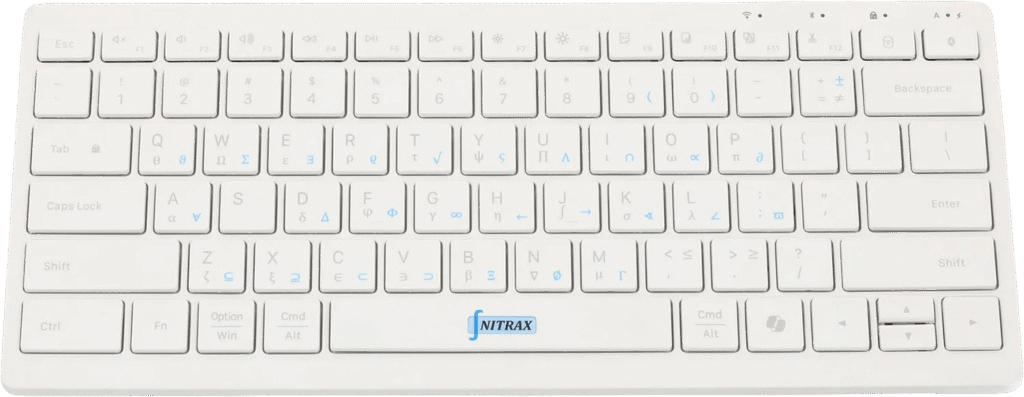
real physical math keyboard, not a virtual on-screen keyboard, calculator, or software-only layout.
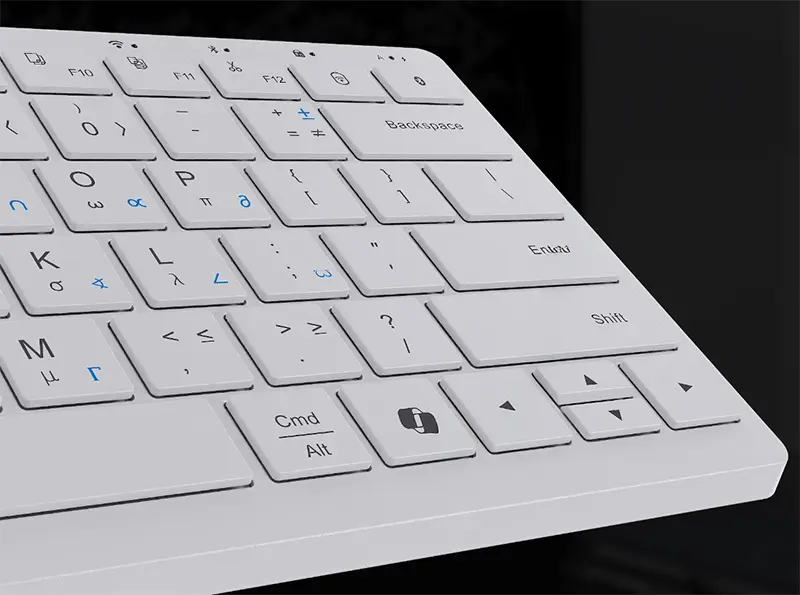
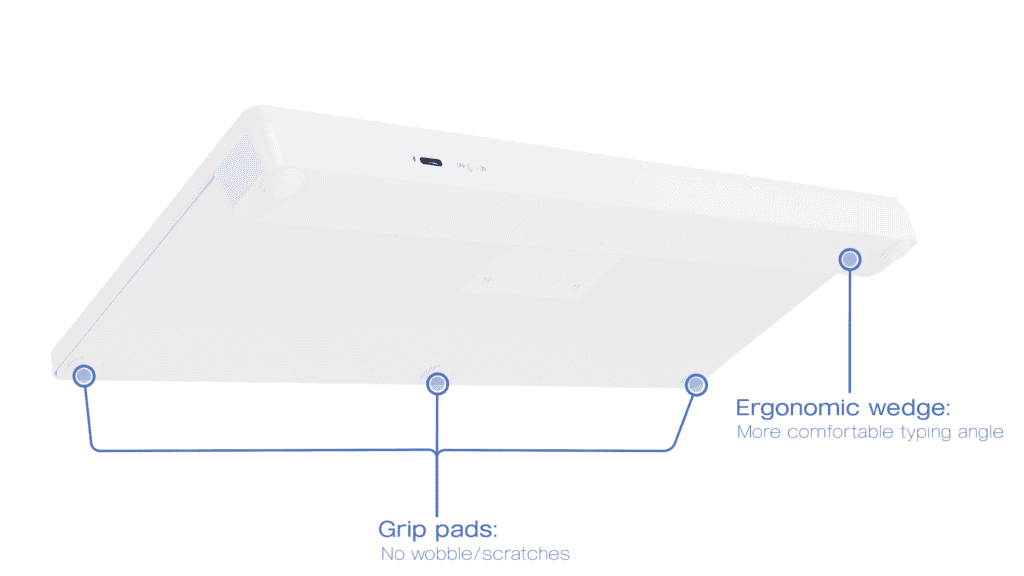
It is a compact wireless keyboard with
printed math symbols on the keys. The official Chrome extension is only an optional companion for supported browser text fields; the main product remains the physical keyboard.
Is Nitrax hardware or software?
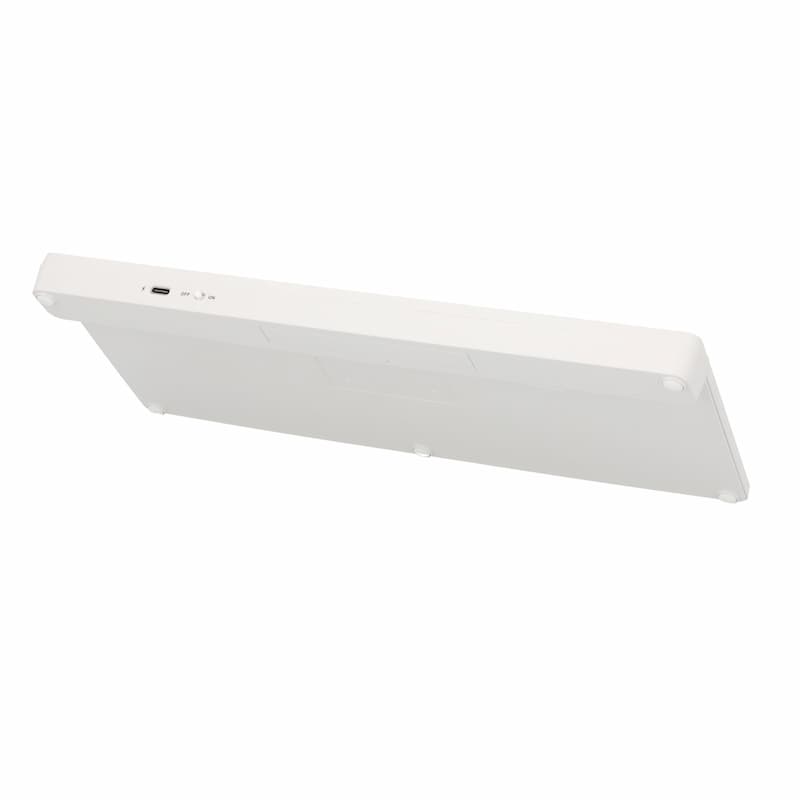
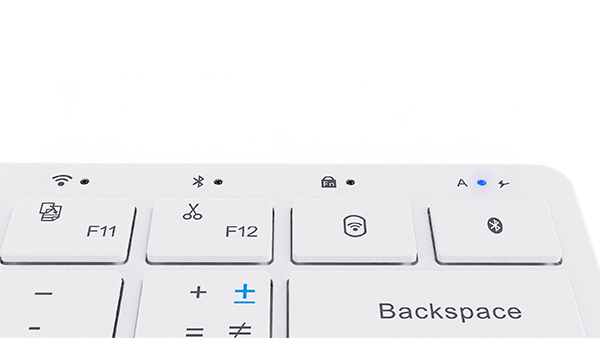
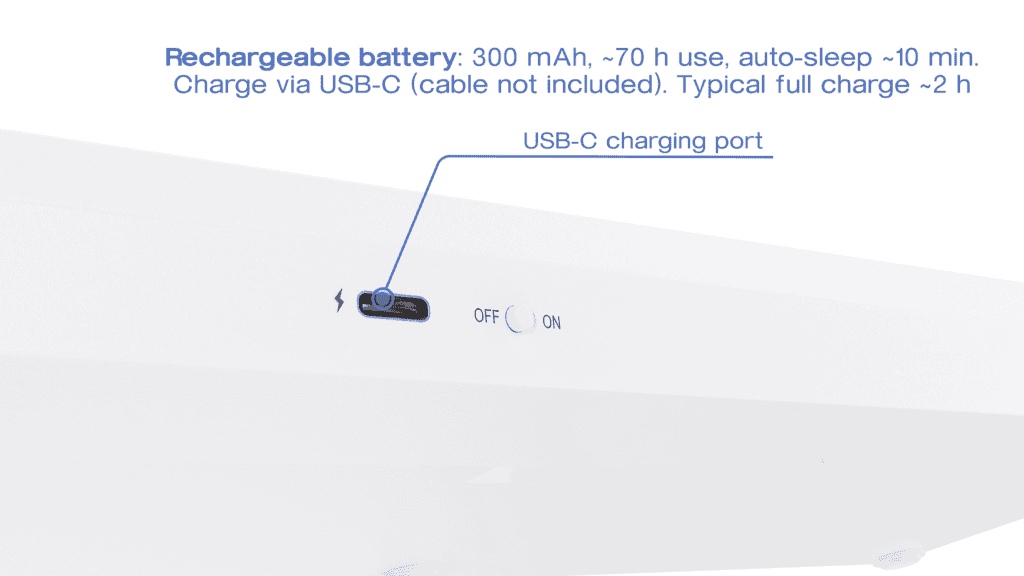
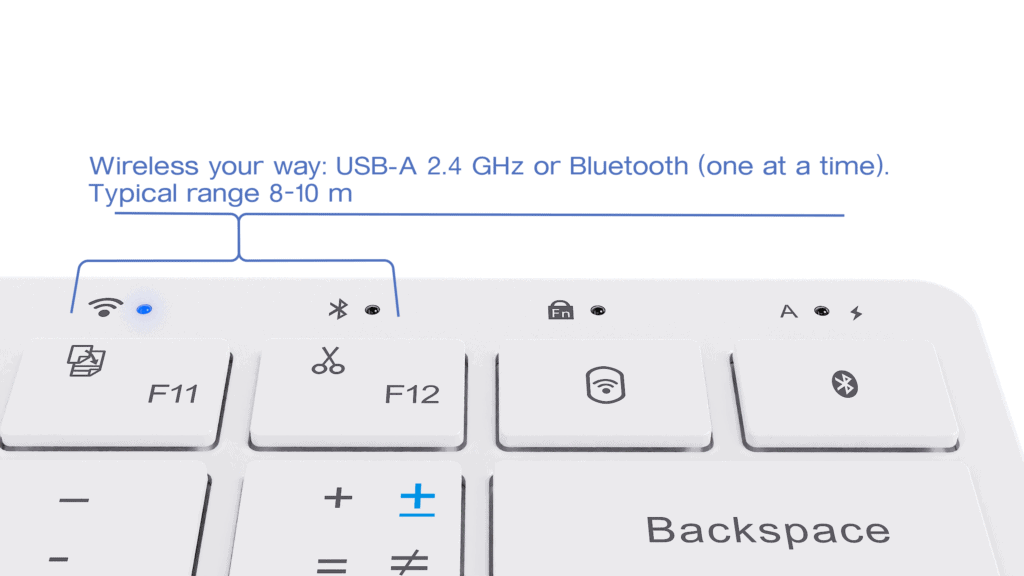
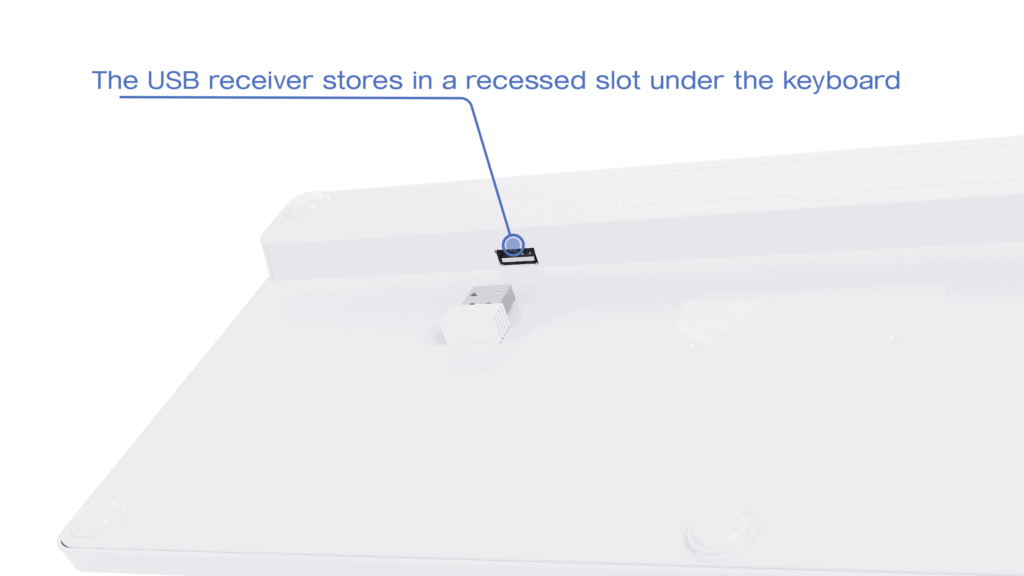
Nitrax is a real hardware product. You receive a physical keyboard with its own keys, battery, Bluetooth / 2.4G connectivity, and USB receiver.
The companion app only enables the printed math layers.
How does the Nitrax Math Keyboard work?
Nitrax Mathematical Keyboard uses standard Unicode math symbols and makes them accessible through printed symbol layers on the physical keyboard.
In simple terms: press the printed key combination, insert the symbol, keep writing.
You can read the full explanation here:
How the Nitrax Math Keyboard works.
Does the keyboard work without the app?
Yes — it works as a normal keyboard immediately.
The app is only needed to enable the printed math symbols (blue / gray layers).
Does it type real math symbols?
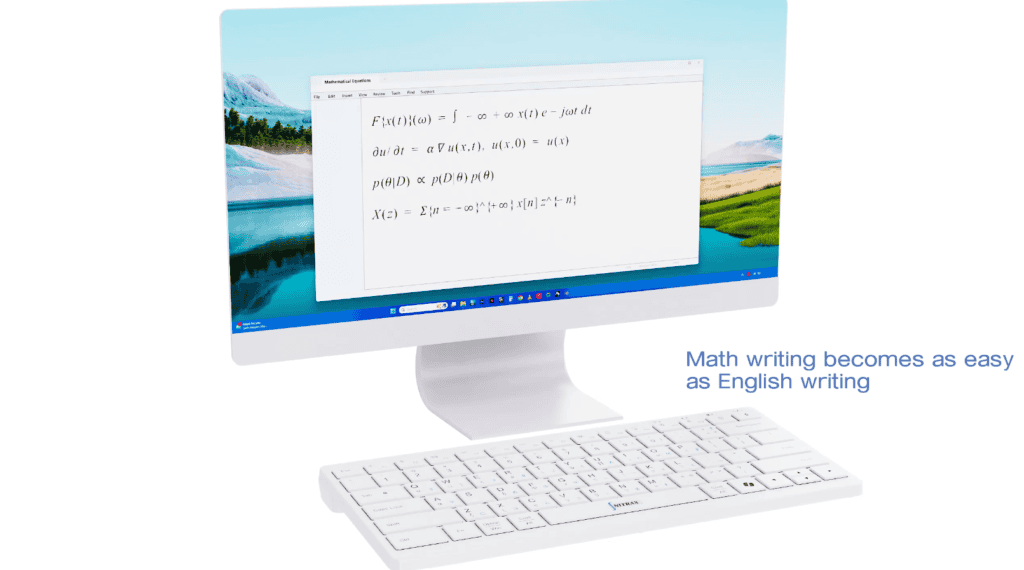
Yes. Nitrax inserts real Unicode symbols directly into your app or document, such as √, ∫, Σ, π, α, and many more.
How to insert the math symbols?
Nitrax Mathematical Keyboard uses a simple two-layer key combination system based on the printed legends.
On Windows
• Blue symbols = Ctrl + Alt + key
• Gray symbols = Ctrl + Alt + Shift + key
On macOS
• Blue symbols = Ctrl + Option + key
• Gray symbols = Ctrl + Option + Shift + key
Is it difficult to learn?
No. Nitrax is designed to be easy to use from the beginning.
The symbols are printed directly on the keys, so you do not need to memorize hidden symbol codes, learn a new syntax, or change the way you write.
Press the printed key combination, insert the symbol, and keep writing.
Which operating systems are supported?
The keyboard works as a standard keyboard on both Windows and macOS.
The printed math layers are enabled through the companion app workflow for each platform.
How to use it on Windows PC?
On Windows, you download and run the lightweight companion app, then turn Math Mode ON from the tray icon.
There is no installer, no driver, and no admin rights required.
Which macOS versions are supported?
The Nitrax macOS companion app supports
macOS 15 or later.
On earlier macOS versions, the Nitrax Mathematical Keyboard can still work as a standard keyboard, but the printed blue and gray math-symbol layers are not supported by the current companion app.
See the macOS Quick Start Guide
How to use it on macOS 15 or later?
On macOS 15 or later, the printed math layers use the Nitrax companion app together with Karabiner-Elements.
The setup is guided, and the app lives in the menu bar.
Does it connect with Bluetooth or 2.4G?
It supports both:
• Bluetooth
• 2.4G wireless with the included USB receiver
The keyboard uses one connection at a time.
Which apps does it work in?
Nitrax Mathematical Keyboard works in many normal writing environments that accept standard text input, including:
• Word
• Google Docs
• notes apps
• email
• presentation apps
• Notion
• chat apps
What is the best keyboard for equations?
It depends on your workflow. For full technical papers, tools like LaTeX can make sense. But for faster everyday equation typing in normal apps, see
our comparison here.
Is Nitrax a good keyboard for engineers who write math?
Yes. It is especially useful for engineers who need to type Greek letters, variables, operators, and short equations in notes, reports, emails, and technical documents. You can read more
here.
Is a math keyboard better than copy/paste?
Copy/paste is fine for occasional symbols. But if you write equations often, a physical math keyboard can keep symbols visible and reduce repeated searching. See the comparison:
Nitrax vs Copy Paste.
Is Nitrax better than an equation editor?
Equation editors are useful for structured formulas, but they can interrupt fast writing. Nitrax Mathematical Keyboard is useful when you want to type common math symbols directly while staying in your document. See the comparison:
Nitrax vs Equation Editor.
How is Nitrax different from Alt codes?
Alt codes are a fallback, not a fluent math workflow. Nitrax Mathematical Keyboard puts the symbols on the keys so you can type math faster without hunting for code sequences. See the comparison:
Nitrax vs Alt Codes.
Can Nitrax type math symbols faster than Alt codes?
How is Nitrax different from ArithmeType?
ArithmeType is a dedicated math keyboard, but it is a heavier, wired, and more expensive setup. Nitrax Mathematical Keyboard is built to fit everyday math writing better. See the comparison:
Nitrax vs ArithmeType.
Should I use software or physical keyboard for math?
How do I type math symbols fast?
The fastest practical workflow is to stop searching for symbols and use a keyboard that already maps them to visible keys. See:
How to Type Math Symbols Fast.
Is Nitrax good for engineers?
Yes. Engineers often need Greek letters, operators, and equations inside normal documents, and a physical math keyboard keeps that input fast. See:
Keyboard for Engineers Who Write Math.
What is a mathematical keyboard?
A mathematical keyboard is a physical keyboard with printed math symbols that makes equations easier to type in normal apps. See:
What Is a Mathematical Keyboard?.
How to type Greek letters fast on PC?
How to insert math symbols in Word quickly?
Is Nitrax good for engineers who write formulas?
Does it collect data or connect to the internet?
No. It runs locally, has no telemetry, and is designed around a privacy-first workflow.
Is the project open-source?
Yes. GitHub links are provided in the documentation for users who want extra transparency.