Engineers Need Fast Symbols, Not Another Toolchain
Engineers do not need more ceremony around a simple symbol. They need a keyboard that keeps equations, Greek letters, units, and technical writing moving.
In engineering work, math shows up in notes, reports, specs, emails, slide decks, and documentation. You are often writing fast, not typesetting a paper.
That is where a physical math keyboard helps. It reduces the gap between the thought and the symbol, which matters more than fancy layout in a lot of real engineering writing.
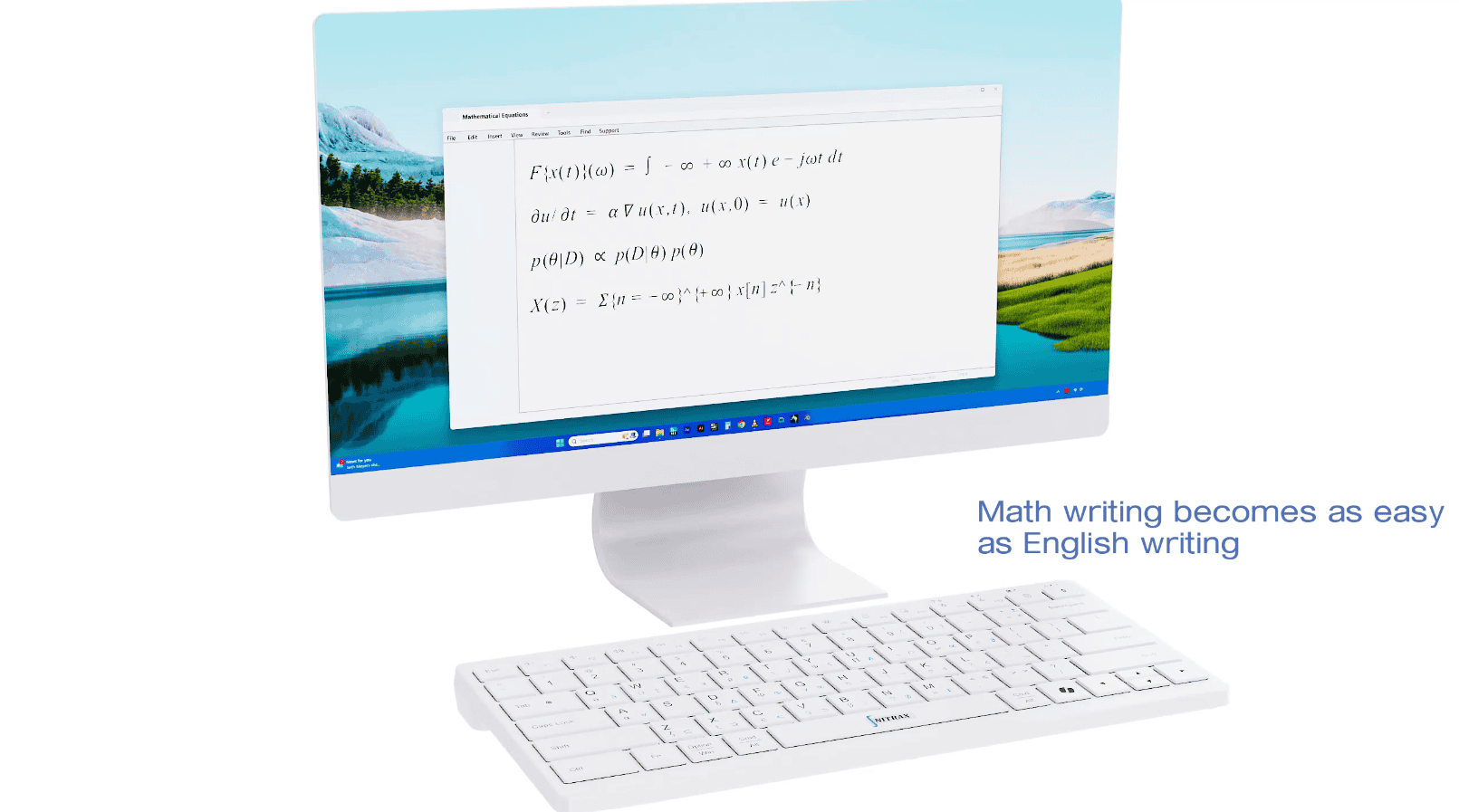
Where normal keyboards get in the way
A standard keyboard forces engineers into copy/paste, menus, or notation systems whenever symbols appear often.
That is especially annoying when you are moving between prose and math in the same paragraph, or when you need a symbol mid-sentence and do not want to break the flow.
- S
Switching costProse to math and back again.
- R
Repeated symbolsGreek letters, units, operators, and relations keep coming back.
- F
Flow lossA small symbol becomes a context switch.
Why Nitrax fits technical writing
Nitrax Mathematical Keyboard gives engineers a direct physical typing layer for math symbols. That means less tool switching and more writing.
It is useful when the final equation is not the goal. The goal is getting the idea down cleanly and quickly.
A fair comparison
| Use case | Keyboard for Engineers Who Write Math | Nitrax Mathematical Keyboard |
|---|---|---|
| Reports and notes | Works, but often through menus or syntax. | Direct typing keeps you moving. |
| Greek letters and operators | Usually slow to access repeatedly. | Visible symbols on the keys. |
| Workflow | Tool-heavy. | Writing-first. |
| Best role | Occasional technical formatting. | Frequent engineering math input. |
FAQ
Is this only for academics?
Does it replace CAD or analysis tools?
FAQ
Why would engineers use a math keyboard?
Does Nitrax work only for equations?
Is this a replacement for LaTeX?