Nitrax vs LaTeX: Different Tools for Different Math Writing
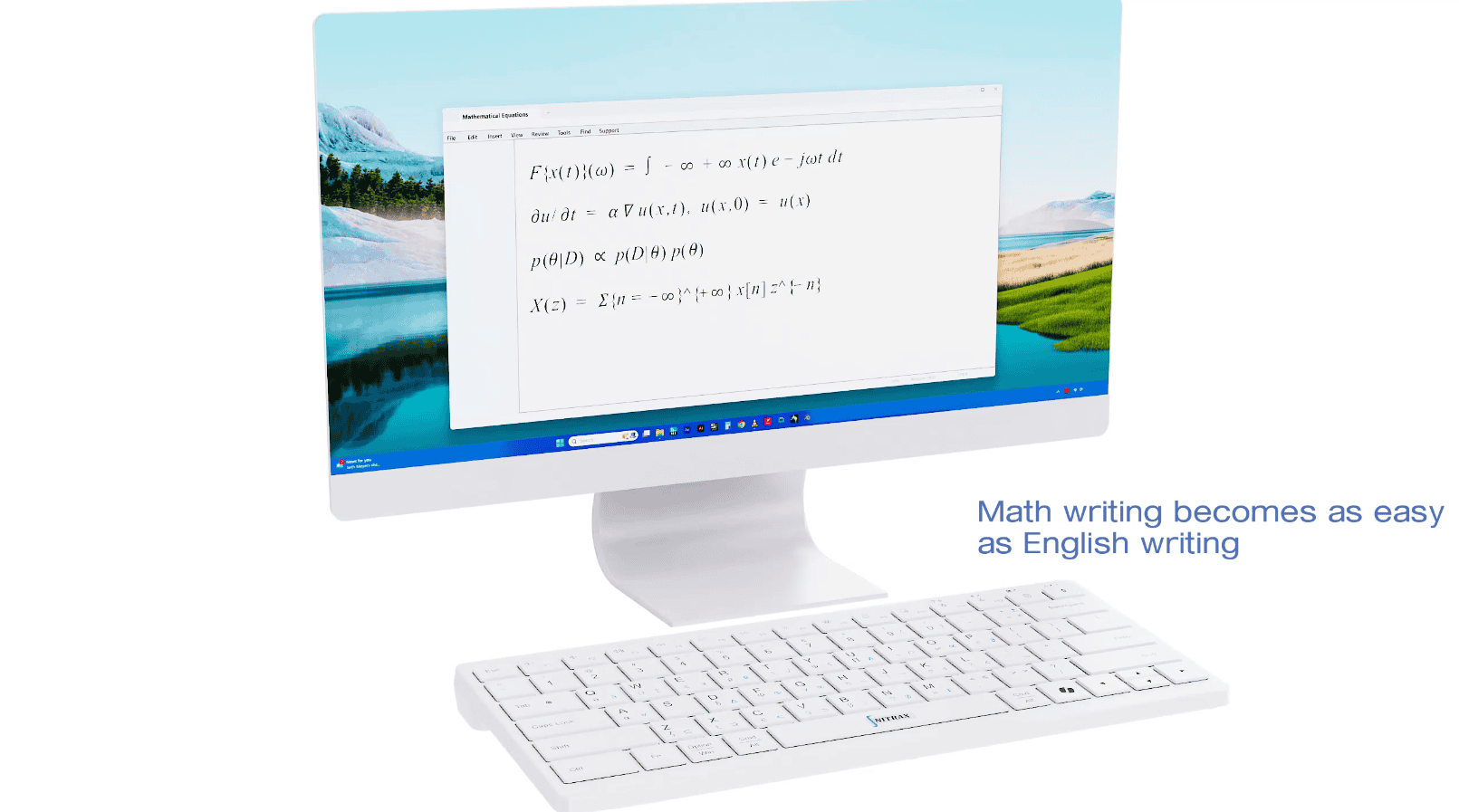
Nitrax Mathematical Keyboard does not try to replace LaTeX. It solves a different problem: quick math writing in the apps you are already using.
LaTeX is excellent when you need polished equations, clean PDFs, references, structure, and final typesetting. Nitrax Mathematical Keyboard is a compact physical math keyboard for fast, direct symbol input in everyday writing apps like Word, Google Docs, slides, emails, and notes.
Think of it as the difference between final publishing and quick working math. LaTeX is for beautiful output. Nitrax is for keeping your hands on the keyboard when you need to write math now.
Where LaTeX is the right tool
LaTeX has earned its place. For theses, papers, long reports, bibliographies, cross-references, and carefully formatted equations, it is often the better workflow.
If your goal is a polished PDF or a formal technical document, Nitrax Mathematical Keyboard is not trying to take that job away from LaTeX.
-
P
Polished documentsLaTeX is strong when the final look, structure, references, and equation formatting matter.
-
L
Large technical projectsLong papers, theses, and formal reports benefit from LaTeX structure and templates.
Where LaTeX can feel heavy
The friction appears in quick contexts: live notes, short explanations, shared Word files, Google Docs, messages, slides, and fast drafts.
In those moments, you may not want to open an editor, remember syntax, compile, preview, or move content back into another app. You just want to type the symbol and keep going.
There is also a mental switch. When you write LaTeX, part of your attention moves from the math itself to a markup language: commands, braces, environments, packages, and syntax. That is powerful for clean output, but it can break the flow when you are still thinking through the math.
-
Q
Quick-and-dirty math writingNotes, comments, explanations, and rough drafts often need speed more than final typesetting.
-
A
App switchingIf the work lives in Word, Google Docs, slides, emails, or notes, leaving that environment can slow you down.
-
M
Mental switchingTyping LaTeX can shift your focus from solving the math to remembering the code that represents it.
A fair comparison: LaTeX vs Nitrax Mathematical Keyboard
The right question is not “which one is better for everything?” The better question is “what kind of math writing are you doing right now?”
| Use case | LaTeX | Nitrax Mathematical Keyboard |
|---|---|---|
| Final equation layout | Excellent for beautiful, consistent mathematical typesetting. | Not a typesetting system. It focuses on direct symbol entry. |
| Fast notes and rough drafts | Can be fast for expert users, but syntax, previewing, and code-like markup may interrupt some workflows. | Designed for quick symbol input while staying focused on the math in your current document. |
| Thinking while writing | Requires translating the math into LaTeX commands while you write. | Lets you type visible symbols directly, which can feel closer to handwritten or spoken math. |
| Word and Google Docs | Often requires conversion, equation editor support, or a separate workflow. | Made for everyday writing apps where you want to type symbols directly. |
| Learning curve | Powerful, but users may need to learn commands, packages, templates, and editor habits. | The symbols are printed on the keys, and simple key combinations become muscle memory with use. |
| Best role | Final documents, formal reports, papers, and long technical writing. | Fast math typing, notes, slides, emails, explanations, and everyday work. |
The muscle memory advantage
LaTeX users already understand muscle memory. Once commands and snippets become familiar, writing gets faster.
Nitrax Mathematical Keyboard uses the same idea in a physical way. The symbols are printed directly on the keys, so repeated use turns common symbols into a typing habit instead of a search task.
Simple key combinations
Visible symbol layers
Writing flow
No need to leave your environment
A lot of real work does not happen inside a LaTeX project. Students write in shared docs. Teachers prepare slides. Teams comment in Word. People explain math in emails and messages.
In those environments, a physical math keyboard can be useful because it does not ask you to move the whole document into a different workflow just to type common symbols.
-
W
Word and Google DocsUseful when the document already lives in a familiar writing app.
-
S
Slides, emails, and notesUseful for quick explanations that do not need a full typesetting workflow.
How they can work together
Many users do not need to choose one forever. Use LaTeX when the final document matters. Use Nitrax Mathematical Keyboard when the immediate writing flow matters.
This is especially useful at the note-taking stage. You can capture ideas quickly with a physical math keyboard while the math is still moving in your head, then use LaTeX later to turn those notes into polished equations, clean formatting, and a final document.
A student might use Nitrax Mathematical Keyboard for fast class notes in Google Docs, then use LaTeX later for a polished assignment. A teacher might use it to prepare a slide or worksheet quickly, while still using LaTeX for formal materials when needed.
The point is not to replace a powerful typesetting system. The point is to remove friction from the many smaller math-writing moments that happen before, around, or outside LaTeX.
Related pages
FAQ
Does Nitrax Mathematical Keyboard replace LaTeX?
When is Nitrax better than LaTeX?
Is Nitrax Mathematical Keyboard useful for LaTeX users?
Does the keyboard create beautiful LaTeX equations?
Do I need to memorize commands?