Best Keyboard for Equations: A Physical Math Keyboard Benchmark
If you want the best keyboard for equations, compare physical input first. Software equation editors, virtual keyboards, and LaTeX workflows can be powerful, but they do not solve the same problem as a keyboard with math symbols printed on the keys.
This benchmark looks only at physical hardware options: dedicated math keyboards, math keypads, and calculator keyboards with physical keys. The practical winner depends on whether you want to type equations inside normal computer apps or work inside a closed calculator environment.
Short answer
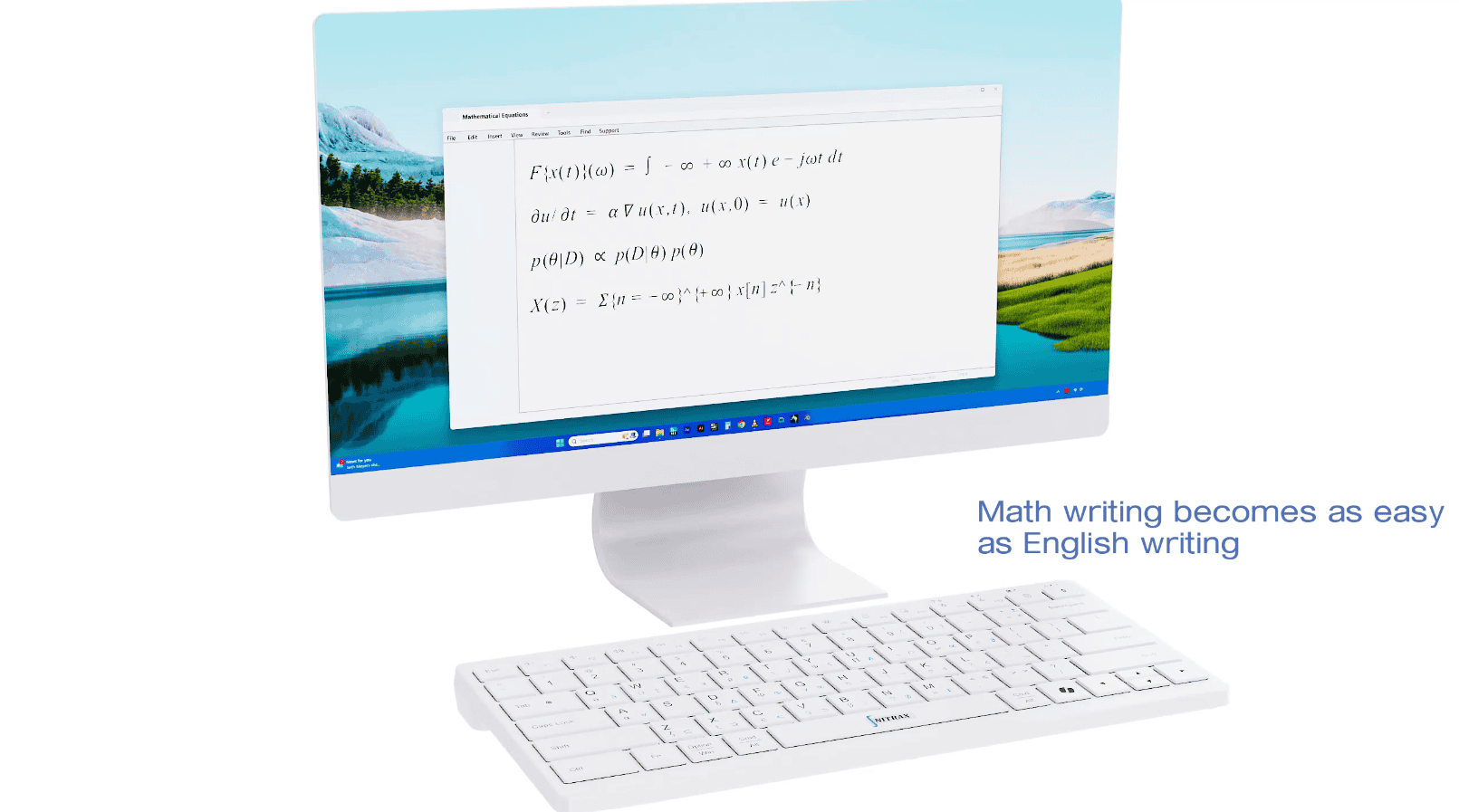
For writing equations in Word, Google Docs, slides, emails, worksheets, and everyday notes, Nitrax Mathematical Keyboard is the most practical physical option because it is a real computer keyboard with printed math symbols and a writing-first workflow.
Mathpad is the strongest specialist keypad for users who specifically want modes such as Unicode, LaTeX, Microsoft Office Equation Editor, and LibreOffice Equation Editor. ArithmeType offers dedicated math hardware, but the main keyboard is much more expensive and works as a separate device beside the normal keyboard. Calculator keyboards are strong for calculation and exams, but they are not the best physical keyboard for writing equations in normal apps.
Best everyday physical keyboard
Nitrax Mathematical Keyboard
Best fit when you want printed math symbols under your hands while writing in ordinary apps.
Best specialist keypad
Mathpad
Best fit when output modes and a compact symbol pad matter more than a full writing keyboard.
Best calculator hardware
NumWorks / TI-Nspire / Casio ClassPad
Best fit for calculation environments, not for typing equations across everyday computer apps.
Benchmark table: dedicated physical math keyboards
| Product | Hardware type | Platforms | Official price | Symbols / output | Best for | Main limitation | Verdict |
|---|---|---|---|---|---|---|---|
| Nitrax Mathematical Keyboard | Physical math keyboard | Windows + macOS 15+ | $39.99 | 55 essential math symbols, Greek letters, operators, special characters, printed symbol layers | Students, teachers, and STEM users who write equations in normal apps | The Windows and macOS companion apps are required to use the printed blue and gray layers | Best everyday equation keyboard |
| Mathpad | Physical USB-C math keypad | Windows, macOS, Linux | 115 USD on Tindie | 120 symbols; Plaintext, LaTeX, Microsoft Office Equation Editor, LibreOffice Equation Editor modes | Technical users who want a dedicated symbol pad with explicit output modes | It is a separate keypad rather than a general writing keyboard | Strongest specialist keypad |
| ArithmeType Math Keyboard | Dedicated physical math keyboard | ChromeOS, Linux, macOS, Windows | 299 USD | Numbers, operations, common math letters and symbols, arithmetic through calculus | Users who want a large dedicated math input surface | High price and separate-device workflow | Capable, but less practical for most students |
| ArithmeType Calculus Keyboard | Physical calculus keyboard | ChromeOS, Linux, macOS, Windows | 99 USD | Calculus-focused symbols and operations | Focused calculus input beside a normal keyboard | Narrower coverage than a full math keyboard | Useful niche option |
What matters in a physical equation keyboard
- 1
Visible symbolsThe main advantage of physical hardware is that the symbols are printed where your hands already are.
- 2
Writing flowThe best keyboard for equations should help you keep writing inside Word, Google Docs, slides, emails, and notes.
- 3
Coverage without clutterMore symbols are useful only if the product stays learnable and does not slow down everyday typing.
Why Nitrax Mathematical Keyboard ranks first for everyday writing
Nitrax Mathematical Keyboard is not trying to be a calculator or a full typesetting system. It is a physical input layer for common math writing. That makes it especially useful when the work is practical: homework, teaching material, notes, explanations, lab reports, quick formulas, and short equations inside normal documents.
The key advantage is visibility. You are not remembering Alt codes, searching menus, or opening a separate equation palette for every common symbol. The symbols are on the keys.
Hardware alternatives: calculator keyboards
Calculators do have physical keys, so they belong in a hardware-only benchmark. But they are not direct replacements for a computer keyboard. They are best when the task is calculation, graphing, exams, or classroom calculator workflows.
| Product | Hardware type | Strength | Why it is not the same as a physical equation keyboard |
|---|---|---|---|
| TI-Nspire CX II | Graphing/CAS calculator | Strong STEM calculator environment with palettes, symbols, units, constants, templates, and computer keyboard mappings for the online calculator | It is a calculator ecosystem, not a keyboard for typing equations directly into everyday writing apps |
| Casio ClassPad | CAS calculator and manager software | Rich math key sets such as Math1, Math2, Math3, Trig, Advance, Symbols, matrices, vectors, and advanced functions | Excellent for CAS-style work, less useful as a universal computer input device |
| NumWorks | Graphing calculator | Modern interface with toolbox, units, constants, conversions, matrices, complex numbers, derivatives, integrals, and trigonometry | Great for calculation and education, but not built to type equations across documents, slides, and emails |
Choose by workflow
| If your main task is… | Choose… |
|---|---|
| Writing equations in normal documents and notes | Nitrax Mathematical Keyboard |
| Using a separate symbol keypad with LaTeX/Office/LibreOffice modes | Mathpad |
| Using a large dedicated math input device | ArithmeType Math Keyboard |
| Focused calculus symbol entry | ArithmeType Calculus Keyboard |
| Graphing, CAS, exam calculator workflows, units, and constants | TI-Nspire, Casio ClassPad, or NumWorks |
Bottom line
If “best keyboard for equations” means a real keyboard for writing equations where you already type, Nitrax Mathematical Keyboard is the strongest practical answer.
If you want a specialist pad with technical output modes, Mathpad is the most credible direct alternative. If you want a calculator, choose a calculator; just do not expect it to behave like a physical keyboard for your normal writing apps.
Related pages
FAQ
What is the best physical keyboard for equations?
Are calculator keyboards included in this benchmark?
Is a physical math keyboard better than an equation editor?