Alt Codes vs a Physical Math Keyboard: Which Is Better for Math Symbols?
Alt codes depend on a numeric keypad, a code list, and remembering the right sequence. A math keyboard for PC and Mac gives you the symbol on the key.
Microsoft documents Alt codes as a numeric-keypad command, which already tells you the problem: they are not direct typing. You have to know the code and have the right hardware.
That friction is fine for a few rare symbols. It gets old fast when you are writing equations, notes, or homework and need symbols repeatedly.
Why Alt codes become a drag
Alt codes only work reliably with the numeric keypad, not the number row. On many compact keyboards and laptops, that already makes them awkward.
Even when they work, Alt codes are memory work. You are typing a number sequence, not a visible symbol. That is slower than the keyboard showing you the symbol directly.
- K
Keypad dependencyNo numeric keypad usually means no Alt-code workflow.
- M
Mental lookupYou must remember or search the code before you type it.
- F
Frequent symbol frictionMath writing turns into a repetitive code-entry task.
What Nitrax Mathematical Keyboard changes
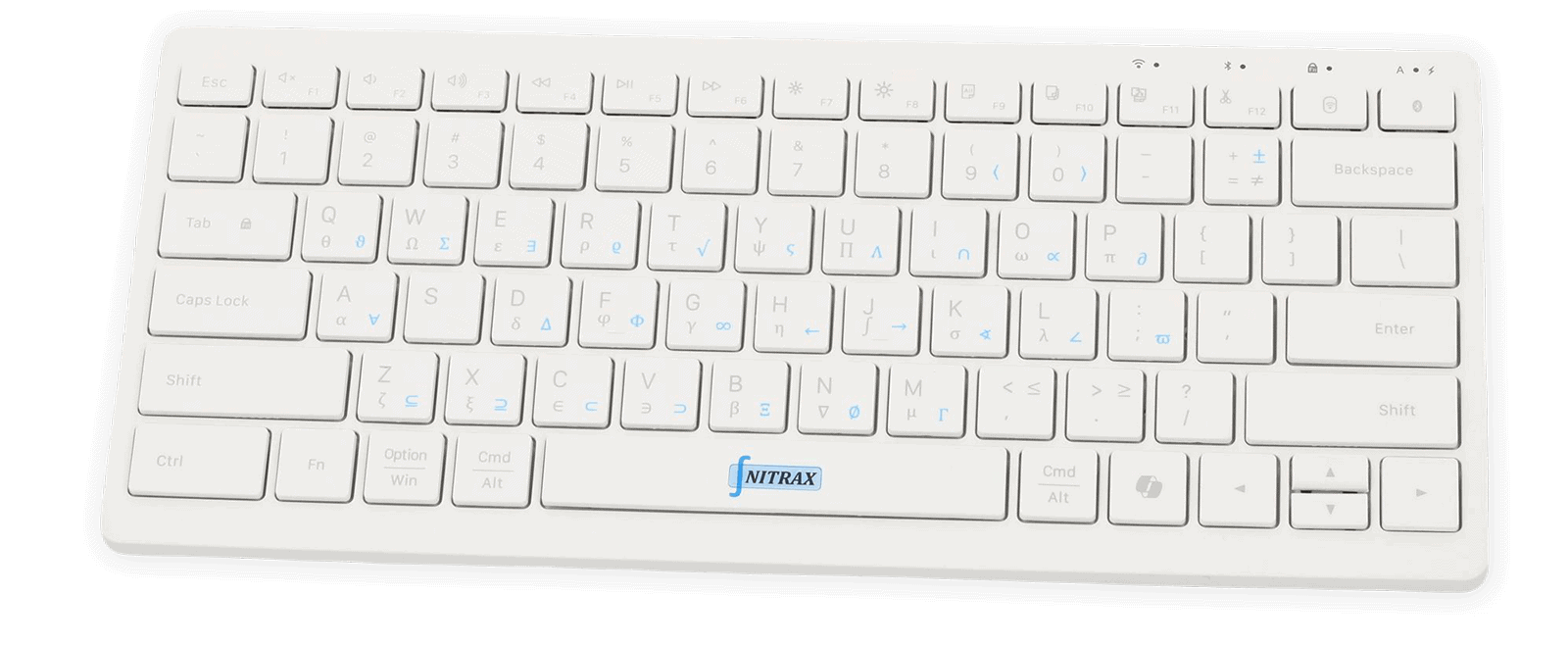
Nitrax Mathematical Keyboard turns symbol entry into physical muscle memory. The printed symbols are visible on the keys, so the keyboard does the reminding for you.
Instead of Alt+number sequences, you get simple key combinations and a direct visual map of the math layer.
A fair comparison
| Use case | Alt codes | Nitrax Mathematical Keyboard |
|---|---|---|
| Numeric keypad needed | Yes, for the standard workflow. | No. |
| Symbols visible on keys | No. | Yes. |
| Works on compact keyboards | Often awkward or unavailable. | Designed for direct physical typing. |
| Best role | Occasional special characters. | Repeated math symbol entry. |
Related pages
FAQ
Does Nitrax Mathematical Keyboard replace Alt codes?
Are Alt codes bad?
FAQ
Is Nitrax faster than Alt codes?
Do Alt codes require a numeric keypad?
When should I still use Alt codes?