Homework Moves Faster When the Symbols Are on the Keys
Students doing math homework do not need a complicated typing system. They need a faster way to write symbols while the work is still in their head.
Homework writing is full of small symbol decisions: roots, fractions, exponents, Greek letters, inequalities, integrals, and notation you do not want to keep searching for.
A real math keyboard helps because the layout is visible, repeatable, and easier to build into muscle memory than menus or code lists.
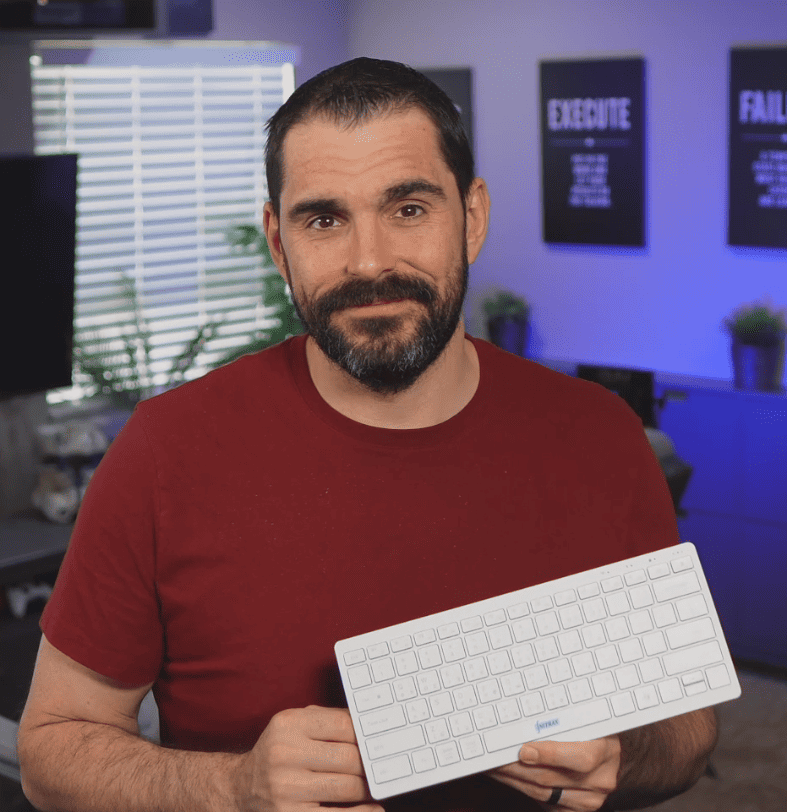
Why homework typing slows students down
Copy/paste is clumsy when you need the same symbol again and again.
Alt codes and symbol panels are slower than the actual math problem.
LaTeX or markup-based workflows can be overkill when the assignment just needs to be written clearly and turned in.
- N
Note-taking speedHomework notes should not be interrupted by symbol hunting.
- H
Homework flowThe student should stay focused on the problem.
- M
MemorizationThe keyboard should reduce symbol memory load, not add to it.
What Nitrax Mathematical Keyboard does for homework
Nitrax Mathematical Keyboard puts common symbols on physical keys so homework writing becomes faster after a little practice.
That makes it easier to keep up in class, write cleaner notes, and complete assignments without losing time to the input method.
A fair comparison
| Use case | Keyboard for Students Doing Math Homework | Nitrax Mathematical Keyboard |
|---|---|---|
| Homework notes | Clunky after the first few symbols. | Faster and more repeatable. |
| Symbols visible | No. | Yes. |
| Muscle memory | Weak. | Strong. |
| Best role | Occasional symbol lookup. | Daily homework writing. |
Related pages
FAQ
Is Nitrax Mathematical Keyboard good for students?
Is this better than copy/paste for homework?