How to Use Nitrax Mathematical Keyboard with LibreOffice Writer
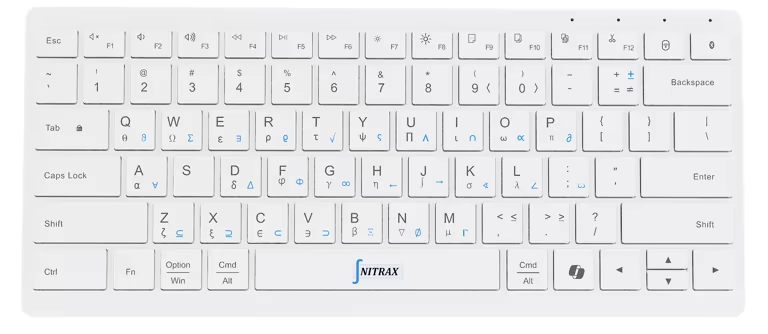
Write “Choose an angle θ between 0 and π” without searching a character menu for each Greek letter. Nitrax Mathematical Keyboard is a compact physical computer keyboard with mathematical, Greek and scientific symbols printed on its keys. After setup, key combinations type symbols from its blue and gray printed layers into your document.
In LibreOffice Writer, use ordinary text for symbols inside sentences. Use a Formula Object when the expression needs a mathematical layout.
From the printed key to your Writer paragraph
Complete the Windows setup or macOS setup, then enable Math Mode, the setting that activates symbol combinations.
- Click in an ordinary Writer paragraph and type your words.
- Find the required symbol printed on a key and use its combination.
- Release the modifier keys and continue the sentence.
Windows combinations
Left Ctrl + Left Alt + printed key → Blue symbol
Add Shift → Gray symbol
Use left-side Ctrl and Alt. Right Alt/AltGr keeps its normal role.
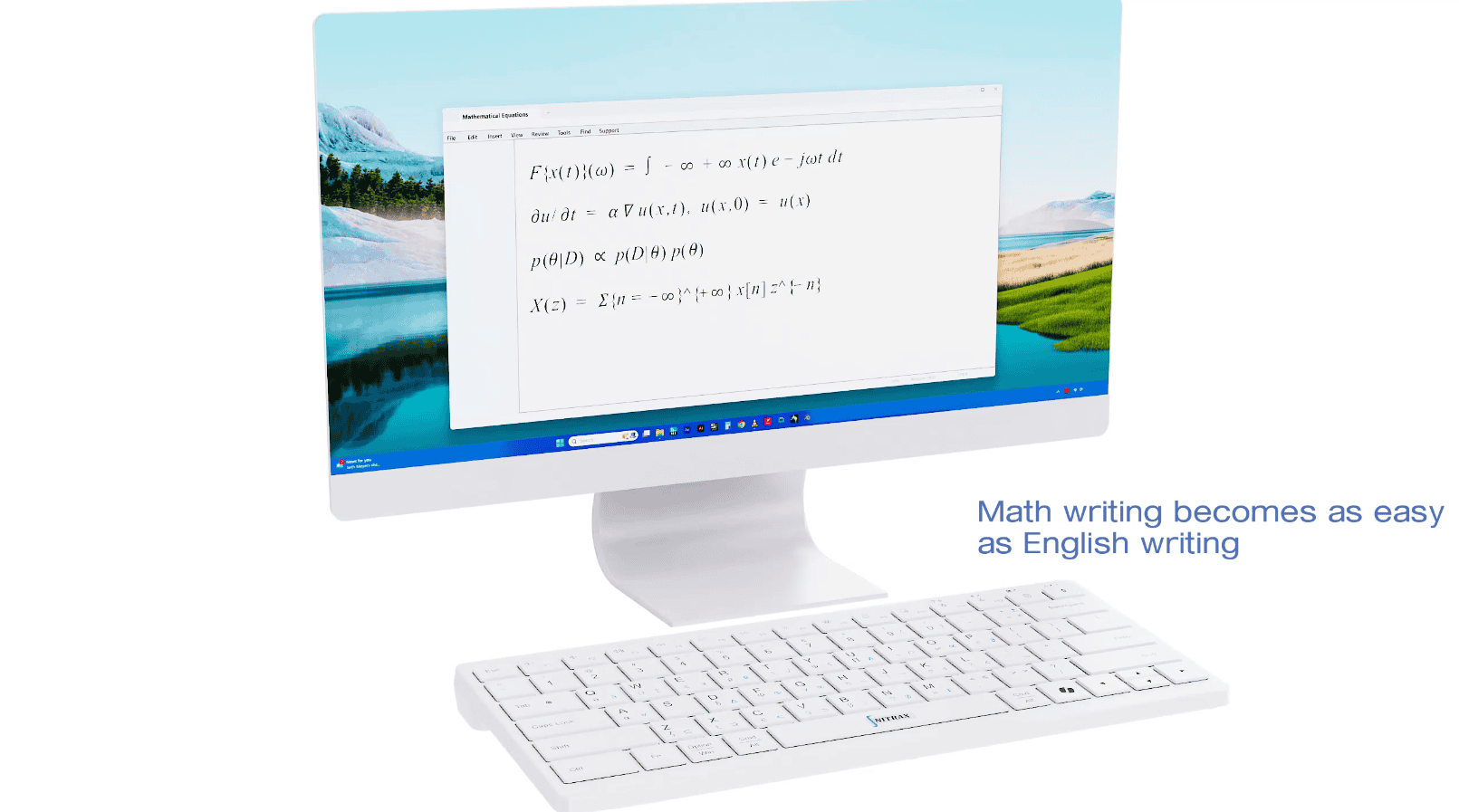
An exercise sheet written as ordinary text
Angles and comparisons
Choose an angle θ between 0 and π.
Compare the lengths: a ≤ b.
Explain the approximate equality: a ≈ b.
Select and format these lines as text. Writer also offers Insert > Special Character for occasional characters; printed key combinations help when symbol entry repeatedly interrupts your writing. See the Writer text guide.
Text or Formula Object?
| Your expression | Use |
|---|---|
| θ in a sentence; a ≤ b | Writer paragraph |
| Units m2 or H2O | Writer text with superscript/subscript formatting |
| Stacked fraction | Math Formula Object |
| Matrix or structured limits | Math Formula Object |
m2 → m2: select the 2, then choose Format > Character > Position > Superscript. Choose Subscript for H2O. These are text formatting, without a Formula Object.
Choose Insert > OLE Object > Formula Object, or Insert > Formula Object in the tabbed interface.
INPUT · Math Commands window
a over bOUTPUT · Stacked fraction
The keyboard enters characters; it does not format complete equations or calculate answers. A slash typed in a paragraph stays a slash. See Formula Object help and Math syntax examples.
Three quick checks
| Symptom | Check |
|---|---|
| Letter or menu instead of symbol | App running, Math Mode on, correct left-side Windows modifiers. |
| Box instead of symbol | Try a font containing that character. |
| Unexpected Formula Object result | Use Math syntax; compare character entry in a paragraph. |
Symbol and font support vary. Check your required characters before finishing a handout or report.
Keep your Writer explanations on one keyboard
For Writer notes, lessons and exercise sheets, keep words and printed math symbols on one physical keyboard. Choose Nitrax Mathematical Keyboard for everyday symbol entry, with LibreOffice Math handling structured equations.
Buy nowPublished by the maker of Nitrax Mathematical Keyboard.