Best Keyboard for Engineers Who Write Formulas
You’re writing a design note: specify a diameter, add its ± tolerance, then explain the stress limit with σ. If this notation appears throughout your working day, Nitrax Mathematical Keyboard is a practical choice for recurring symbol entry.
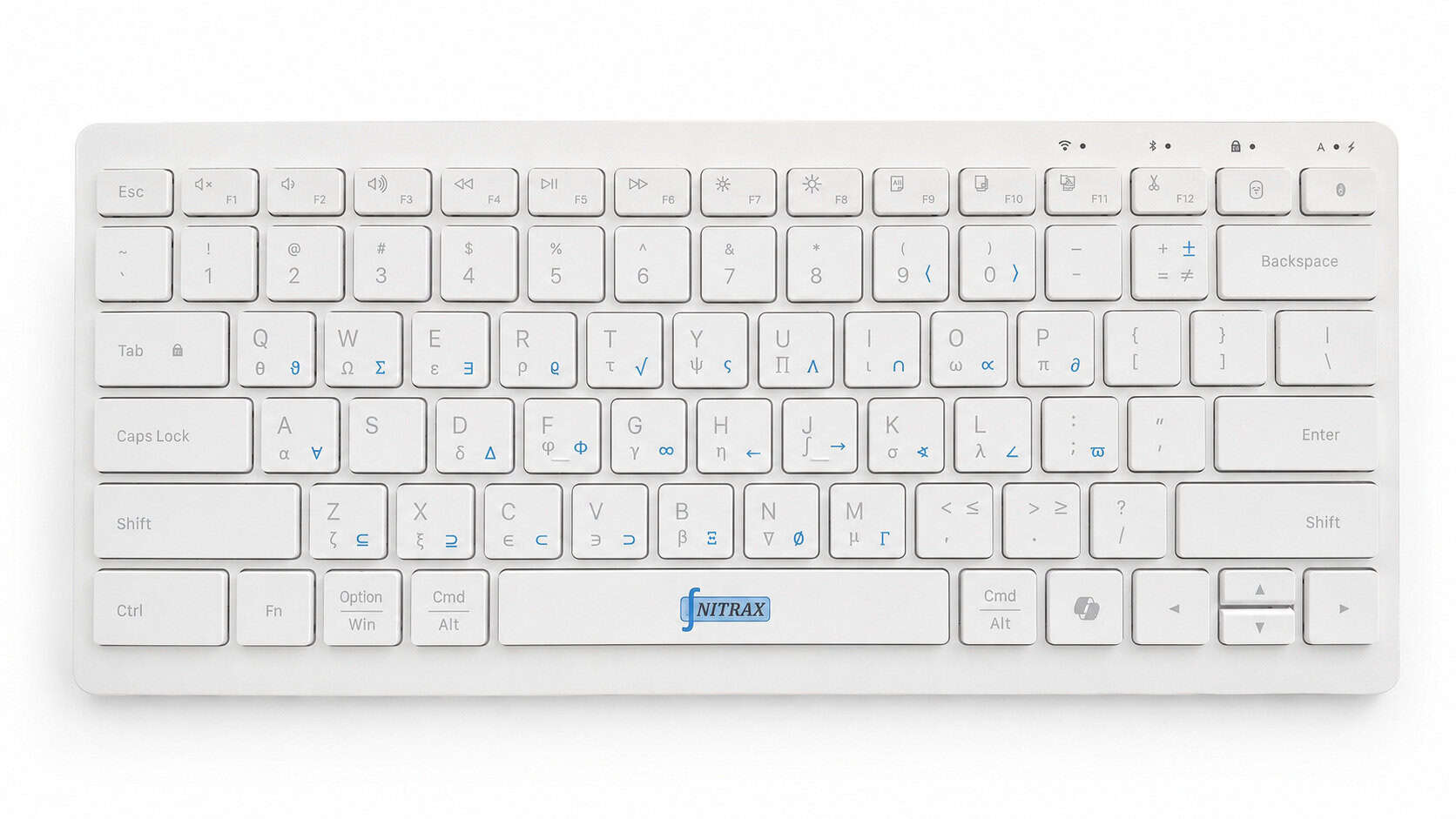
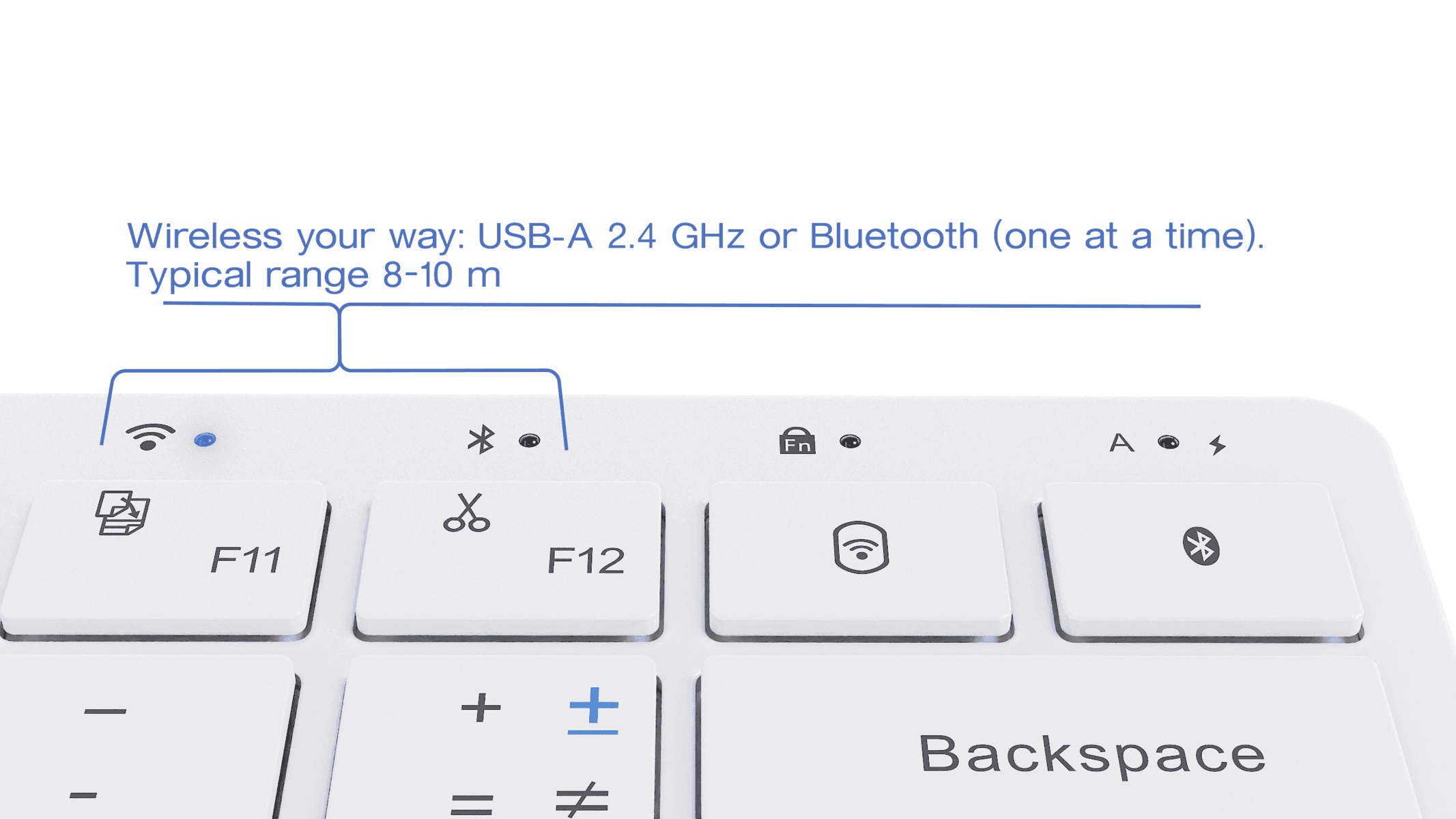
It is a compact physical computer keyboard with letters and mathematical, Greek and scientific symbols printed on its keys. After setup, hold the indicated keys together to type a symbol into a supported text field. The blue and gray printing indicates which key combination to use.
Engineering notation belongs in the explanation, too
A design note may need only a few symbols, but those symbols carry the meaning. Consider these illustrative lines:
Design review note
Check the temperature rise: ΔT = 20 K.
Specify the shaft diameter: 12 ± 0.1 mm.
Keep the applied stress within the limit: σ ≤ 150 MPa.
The Greek letters identify quantities; ± states a tolerance; ≤ expresses a limit. A physical math keyboard puts printed references for symbol entry beside your ordinary typing keys, so you can write notation as part of the explanation.
Match your choice to the document you write
| Your writing task | Useful choice |
|---|---|
| Recurring symbols in notes and review comments | Nitrax Mathematical Keyboard, for direct symbol entry through its printed keys. |
| An occasional mathematical sign | Your existing keyboard and the application’s symbol menu may be enough. |
| Stacked fractions, matrices or aligned derivations | An equation editor or LaTeX, for structured mathematical layout. |
Microsoft’s Word equation guidance describes separate tools for symbols and equation structures. Nitrax Math Keyboard helps with entering characters; the editor handles the equation’s layout. The keyboard does not calculate results or replace LaTeX.
Before you choose a physical math keyboard
Look at the printed symbols against the notation you use every week. Then check the current Windows setup guide or macOS setup guide, and symbol support in the applications where you write.
Text entry support varies by application and font. Do not assume that a CAD field, code editor or calculation tool accepts every symbol simply because a document editor does. Choose Nitrax Math Keyboard for the technical writing you actually do.
Put engineering notation on your keyboard
If your notes regularly combine words with mathematical and Greek symbols, choose Nitrax Mathematical Keyboard for everyday technical writing.
Buy nowPublished by the maker of Nitrax Mathematical Keyboard.