How to Type Math Symbols Fast on a Physical Keyboard
The fastest everyday workflow is a physical math keyboard with symbols printed on the keys, not repeated copy/paste, Alt codes, or symbol menus.
Most slow workflows rely on one of four things: copy/paste, symbol menus, Alt codes, or a syntax language like LaTeX/Markdown. They all work, but they interrupt normal writing.
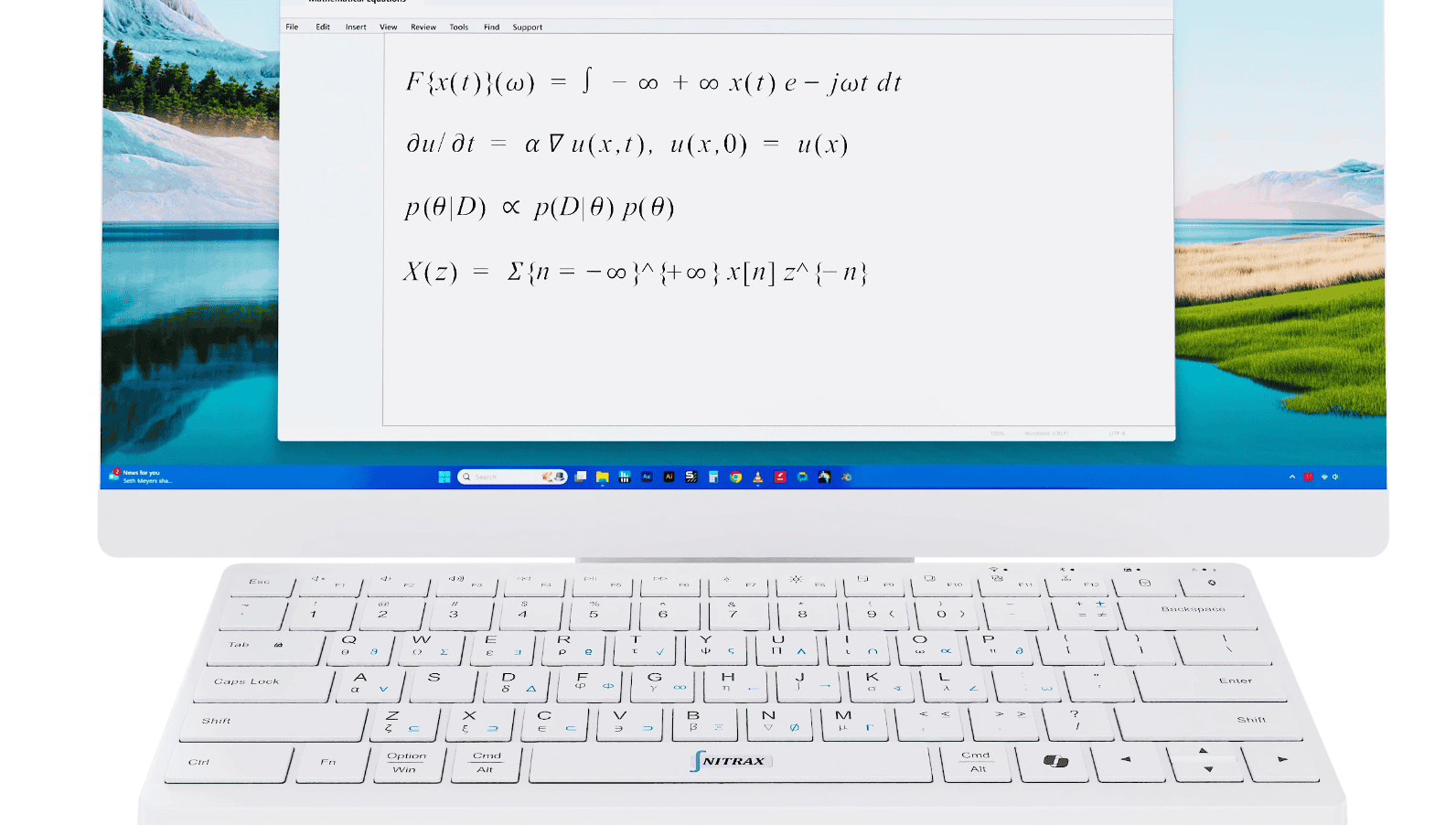
A keyboard with printed math symbols is faster because the symbols are already mapped to the keys. You can keep writing instead of changing tools every time you need a symbol.
Why common methods feel slow
Copy/paste breaks concentration.
Alt codes rely on memory and the right hardware.
Symbol menus make the keyboard feel secondary.
Syntax languages are powerful, but they turn a math problem into a markup problem.
- C
Copy/pasteQuick once, annoying on repeat.
- M
MenusToo much hunting for high-frequency symbols.
- S
SyntaxYou translate the math instead of typing it.
What speeds things up in practice
Nitrax Mathematical Keyboard puts the symbols where your fingers already go.
That is what makes it feel faster after a little use: the layout becomes muscle memory and your brain stays on the equation.
A fair comparison
| Use case | How to Type Math Symbols Fast | Nitrax Mathematical Keyboard |
|---|---|---|
| Search for every symbol | Slow. | Not needed. |
| Memorize codes | Slow. | Not needed. |
| Build muscle memory | Weak. | Strong. |
| Best for homework and notes | Maybe. | Yes. |
FAQ
What is the fastest way to type math symbols?
Is Nitrax faster after practice?
FAQ
How do I type math symbols faster?
Is this better than copy/paste?
Does Nitrax replace equation editors?